
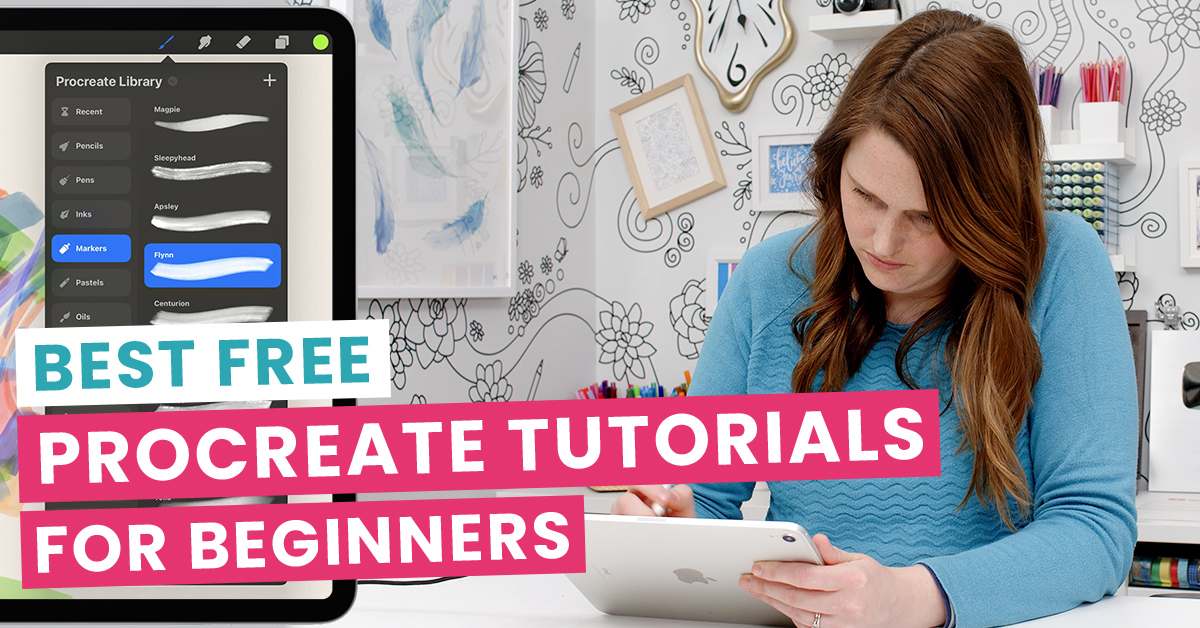
Procreate is one of the most popular digital art apps in the world, and for good reason. It’s affordable, beginner-friendly, and surprisingly powerful once you know your way around.
But the real challenge is knowing where to start.
With thousands of tutorials and courses out there, it’s normal to feel overwhelmed before you’ve even opened the app.
That’s why I’ve rounded up some of the best artists and creators with beginner-friendly tutorials, focusing on drawing, painting, and digital colouring.
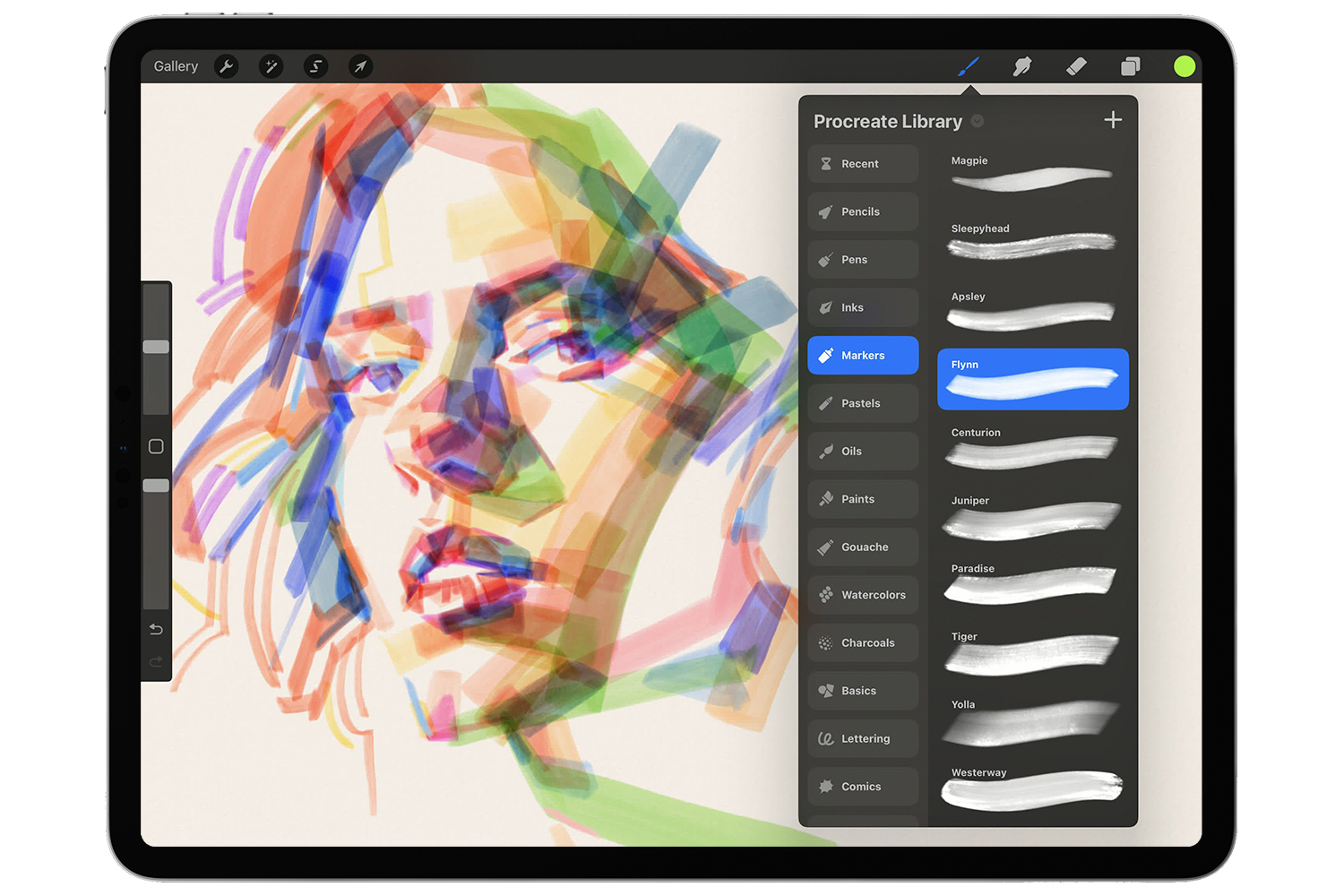
Image Source: Procreate
These Creators each bring their own unique style to digital art, and they’re great at showing the ‘how’ behind the finished piece. Some focus on step-by-step projects, others share practical tips as they draw, but all of them have something that’ll help you find your feet in[1] Procreate.
So, when you’re looking at someone’s art and thinking, ‘I could never do that,’ these tutorials will help you prove yourself wrong, in the best way.
Note: Procreate updates regularly, so keep in mind that some features may be slightly different in some of these tutorials.
The Best Beginner Procreate Classes, Teachers for and Tutorials
- Learn with Procreate: Beginners Series (Christine King)
- James Julier Art Tutorials (James Julier)
- Art with Flo (Floortje Visser)
- Bardot Brush (Lisa Bardot)
- Genevieve’s Design Studio
- angrymikko (Mikko Eerola)
- Let’s Draw with BeeJayDeL (BeeJay DeLong)
- Ghost Paper (Leo Mateus)
- Tatyworks (Tatiana)
- Joel Create (Joel Adams)
Learn with Procreate: Beginners Series – Christiane King
This is a clean, practical introduction to Procreate from Procreate themselves. In this 4-part series, you’ll learn how to navigate the interface, use brushes, work with colours, manage layers, and get comfortable with gestures and editing tools. It’s available on the Procreate website or on YouTube.
Think of it as your Procreate orientation class. Short, practical, and easy to follow.
James Julier Art Tutorials – James Julier
James Julier’s channel includes dozens of clear and structured step-by-step tutorials on how to create peaceful nature scenes like waterfalls, forests, and beach sunsets. He also shares practical tips on lighting, colour, and composition to help you bring your art to life.
He also has a full 2-hour walkthrough, ‘Procreate 5 COMPLETE ARTIST’S GUIDE’, that covers all the Procreate basics, if that is more your speed.
This channel is a great place to start building your skills in Procreate and creating more confident artwork. Some of us at Team Sarah even use his tutorials in our spare time, making this an easy channel to recommend.
Art with Flo – Floortje Visser
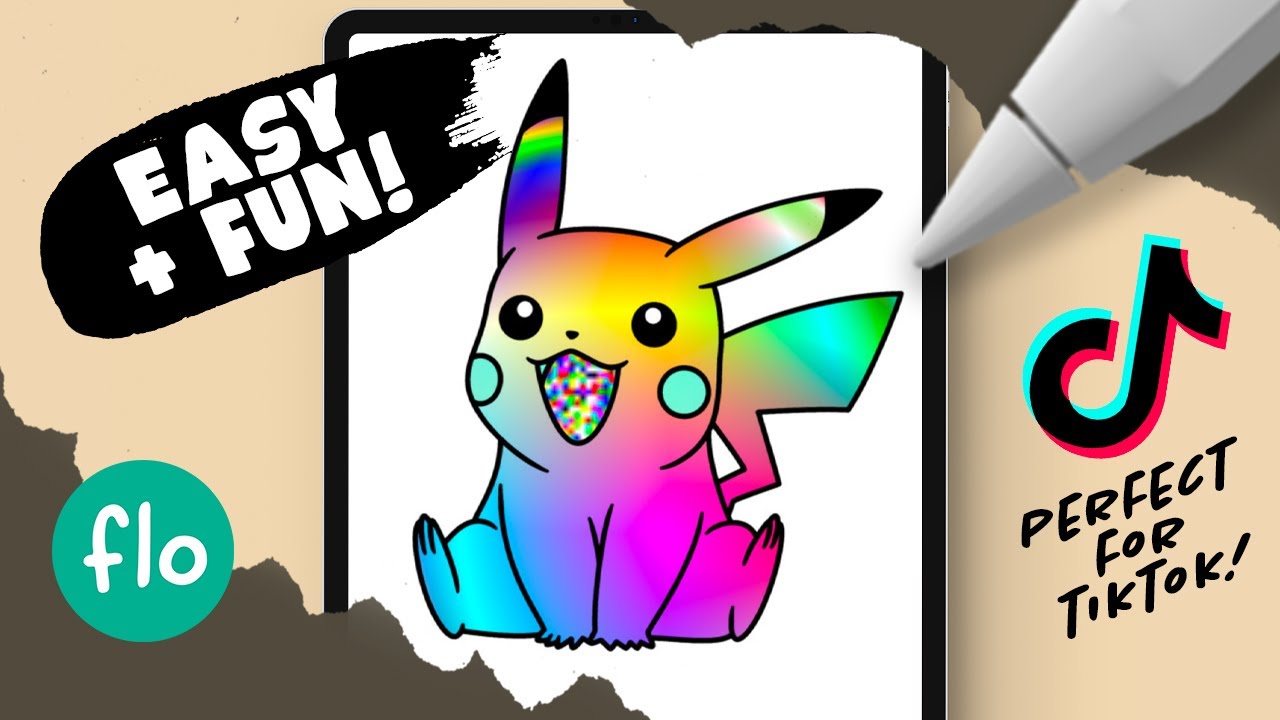
You will find friendly and encouraging step-by-step tutorials on cute characters, landscapes, and watercolour effects, with helpful tips and exercises to boost your confidence and creativity in Procreate.
She also has some tutorials that are just plain fun.
In her video ‘8 Fun things to do in PROCREATE on your iPad’, you’ll learn how to edit emojis, create a randomised colour brush, and do that cool ‘art reveal’ effect you may have seen trending online.
And that’s just the start! Her YouTube channel is full of free content to explore.
Bardot Brush – Lisa Bardot
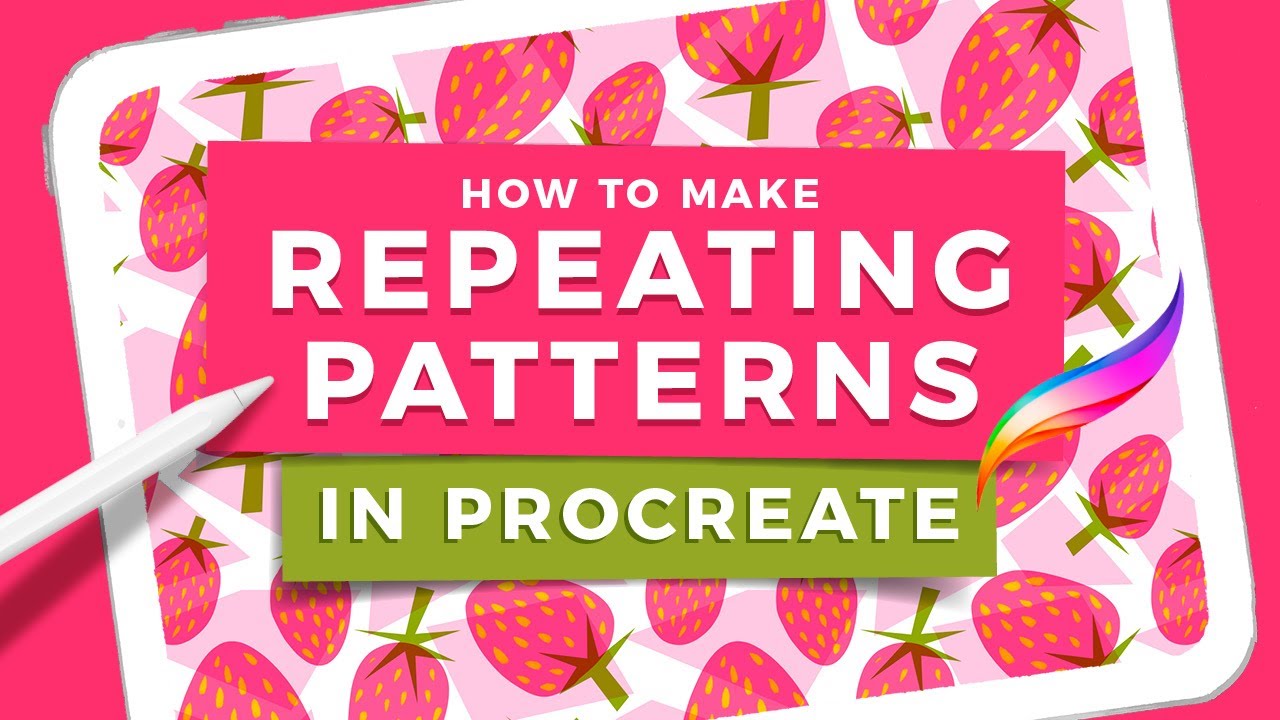
Lisa’s playlist ‘Procreate Tutorials for Beginners’ is a great place to start when visiting her channel, but what makes her stand out is how she helps you keep going, with playful projects, consistent practice, and permission to enjoy the process.
In her video ‘How to Make Repeating Patterns in Procreate’ for example, Lisa walks you through the steps to create seamless, looping designs. She starts with a basic pattern made from easy shapes, but then builds on that with a more detailed design using layers.
Lisa’s other tutorials include drawing stylised people, building character scenes, designing patterns, and using watercolour effects. She also shares tips on choosing the right iPad and explores new Procreate features as they come, keeping you updated.
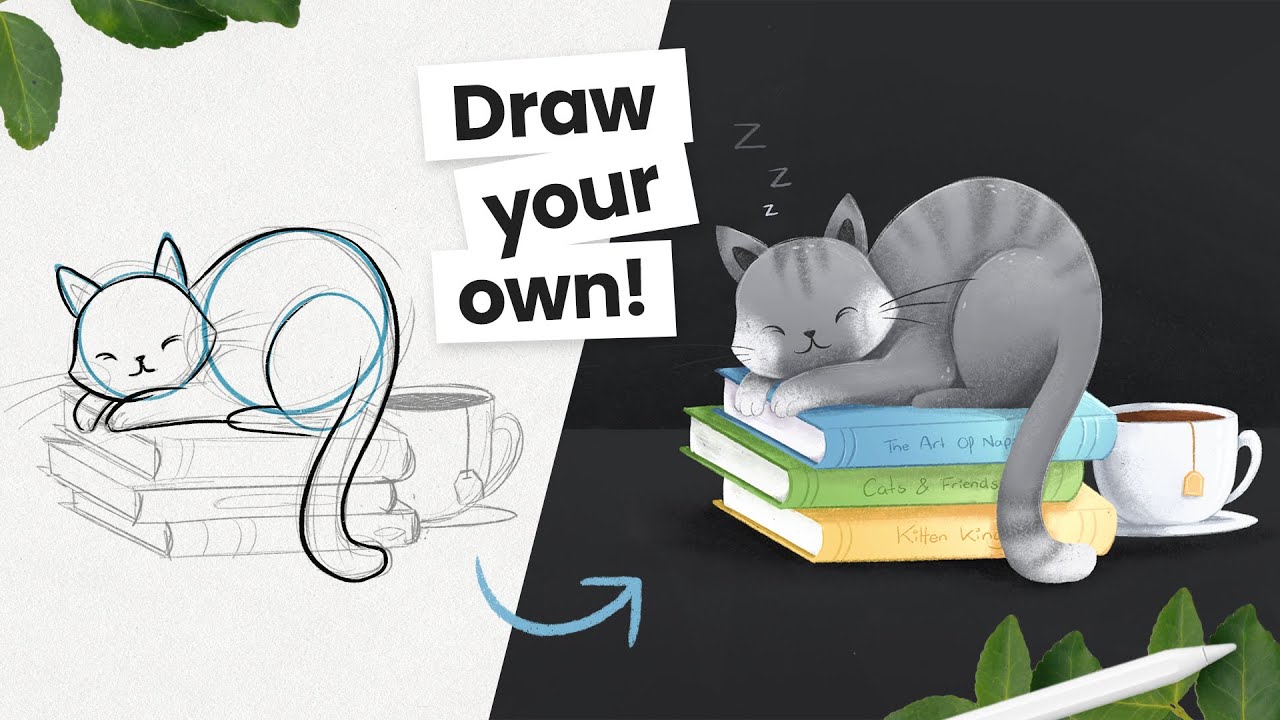
Genevieve focuses on ‘how-to-draw’ style projects. She helps you draw cute ‘chibi’ characters, animals, and cosy illustrations in a fun, stress-free way.
She has so many ‘Draw This’ or ‘Draw Your Own’ videos to choose from. You can just scroll through, pick one that gets you excited, and follow along as she guides you through the process. Videos like ‘How to Draw a Sleepy Cat (cute and easy)’ walk you through each step clearly, from sketch to shading.
Her other popular tutorials include turning pets into Bluey characters, drawing fluffy animals from a single shape, and cartooning yourself with a few simple brushes. If you’re just starting out or want a playful way to practise, her channel is a great way to ease into Procreate.
angrymikko – Mikko Eerola
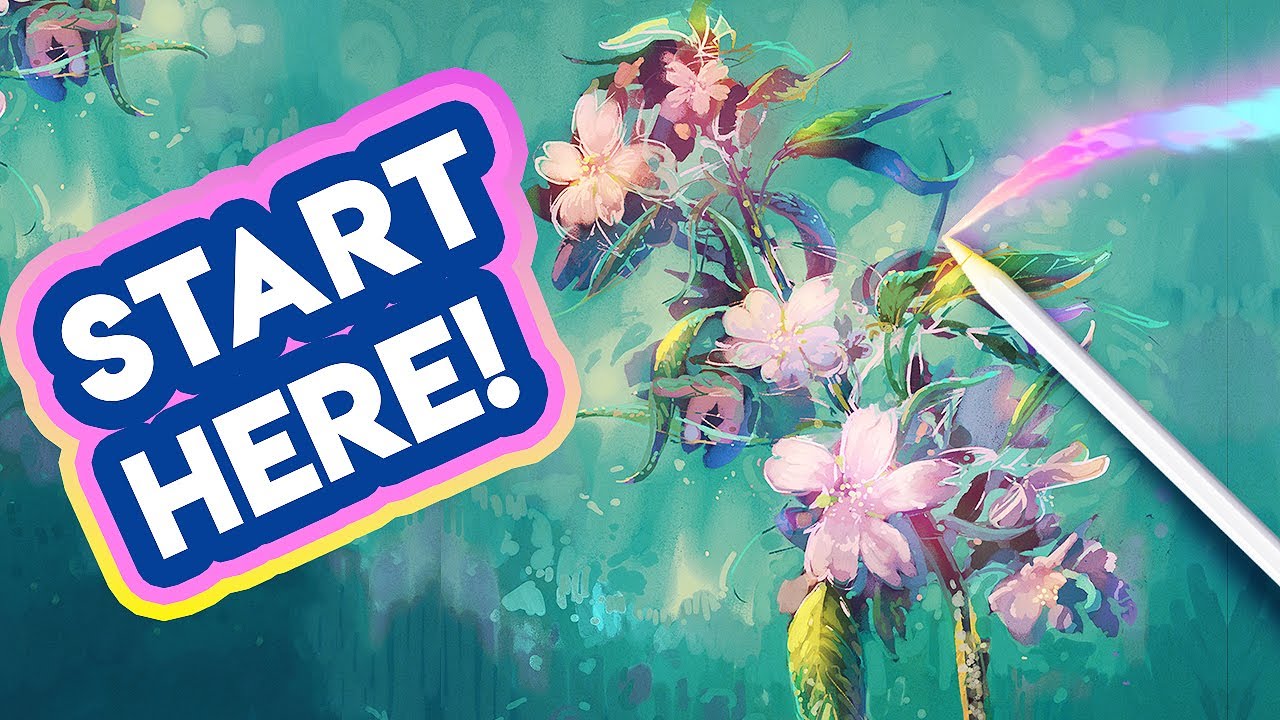
Want to think like an artist? Well, here’s Mikko!
His tutorials don’t just show you how to draw something, they show you how to approach the creative process. It’s the kind of channel that gently guides you from casual sketching to feeling more confident and capable as an artist.
In his video ‘Digital Drawing for Beginners’, he introduces a simple drawing exercise that highlights what matters most so you can focus on learning how to actually draw.
Across his channel, you’ll find tutorials that cover digital painting, brushwork systems, colour theory, landscape composition, and how to use references more effectively. He’s especially good at showing how to save time and avoid common beginner traps.
Let’s Draw with BeeJayDeL – BeeJay DeLong
Most of BeeJay’s content focuses on cartoon illustration, including character design, expressions, bodies, and even how to bring everyday objects to life. His popular ‘Cartooning 101’ series covers the fundamentals of drawing faces, eyes, mouths, and more, making this a great channel to grow your cartooning skills from the ground up.
But one of my favourite videos from his channel is ‘Teaching My Wife How To Draw In Procreate’, where he guides his wife (who had no drawing experience at the time) through a full illustration of a cartoon owl from start to finish, using simple, step-by-step instructions. Definitely check that one out!
Ghost Paper – Leo Mateus
Ghost Paper is your go-to Procreate ‘tips & tricks’ style channel. His tutorials cover everything from simple drawing techniques to more advanced features like clipping masks, blend modes, and layer management.
His video ‘PROCREATE – Top 10 Features for Beginners’ is a great place to start. It covers essential tools like Quick Shape and Fill, gestures, masks, canvas resizing, and even how to adjust the background colour of the app, all in a clear, beginner-friendly way.
His channel is full of other helpful tricks, sketching tutorials, and smart workflow tips, helping you to sharpen your Procreate skills without the fluff.
Tatyworks – Tatiana
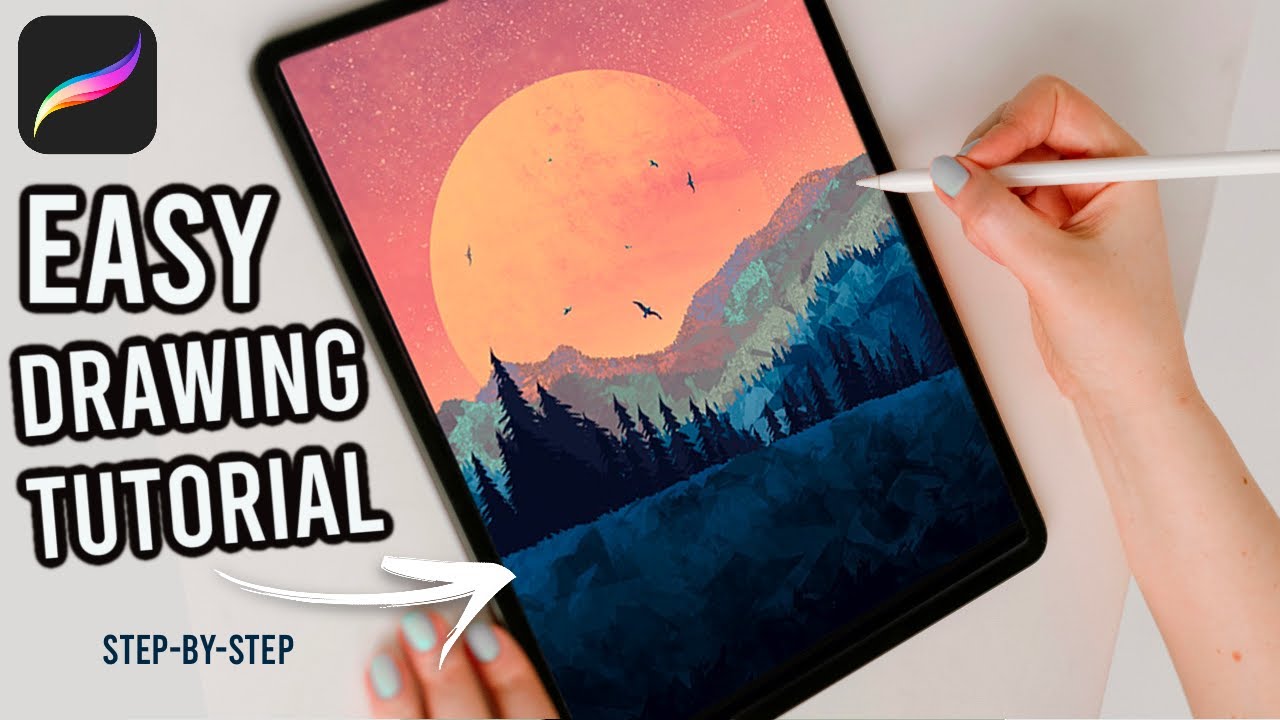
Tatiana’s channel is full of warm and inviting tutorials to help you draw beautiful scenes and characters from scratch. She has a big library of guided tutorials, to help you create cute animals, textured landscapes, and more.
A good starting point is her video Easy Stylised Landscape Painting – Procreate Tutorial (Step-by-Step), where she shows you how to draw a simple mountain and tree scene. It’s a peaceful, beginner-friendly tutorial that focuses on shapes, colour, and composition.
Joel Create – Joel Adams
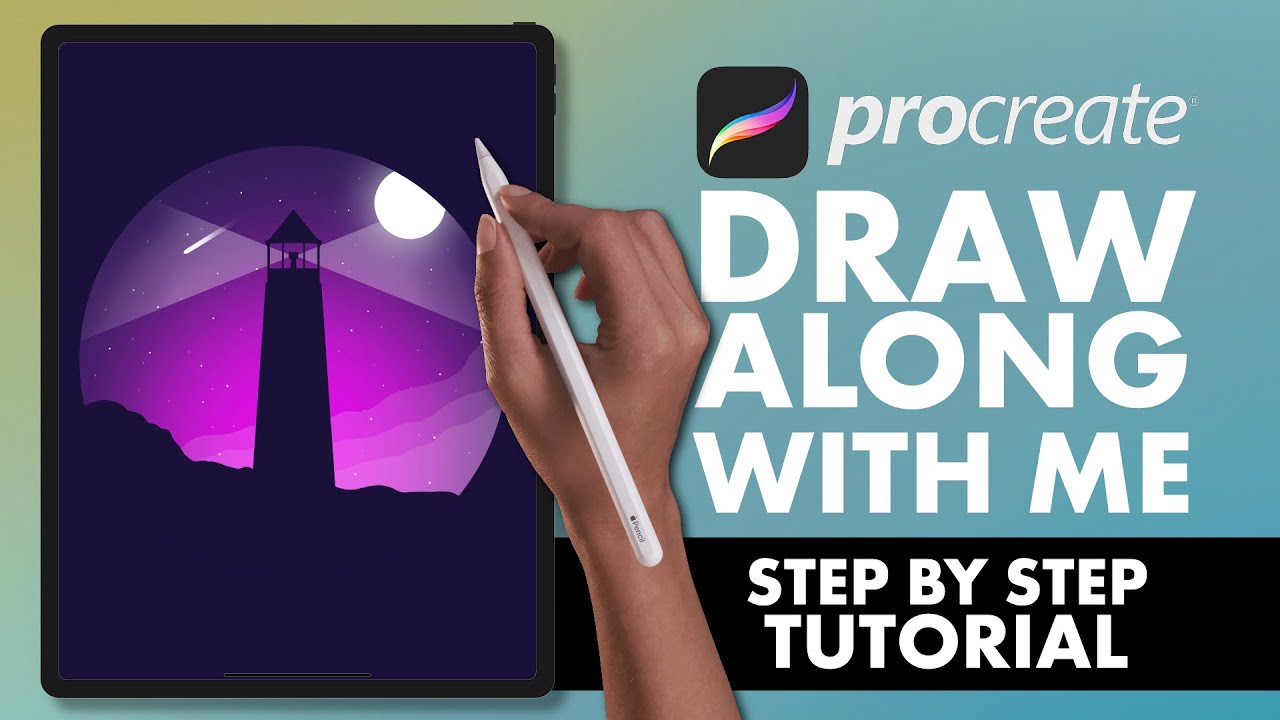
Joel’s channel is perfect if you’re wanting a step-by-step “draw with me” approach.He offers clear and encouraging step-by-step tutorials for creating fun scenes from start to finish.
Give his video #1 Procreate Tutorial – draw along with me for beginners a go, where he walks you through drawing a lighthouse scene. It’s a great way to work on the basics while making a finished piece you’re proud of.
Joel also has these bite-sized tutorials covering essential tools that can make a big difference when you’re starting out:
Take Action
Now that you’ve had a look through some beginner-friendly tutorials, it’s time to jump in!
My advice? Keep it simple. Pick one video and give it a go. You’ll know quickly whether that creator clicks with you. If not, no stress, just try the next one!
If colours feel overwhelming, pick a card from the Colour Cube and use the hex codes to set up your palette in Procreate. You’ll have a ready-made colour scheme without overthinking.
Wherever you start, there’s always something new to try. Have fun, keep experimenting, and enjoy the process.
And remember, you can’t do this wrong.
Don’t expect to be a pro right away. Remember, every piece you create will grow your skills and your confidence. Celebrate the little wins and new things you’re learning as you go.
So pick a tutorial and start your digital art journey in Procreate!
More Resources
Looking to go further? Here are a few other blogs that might help:
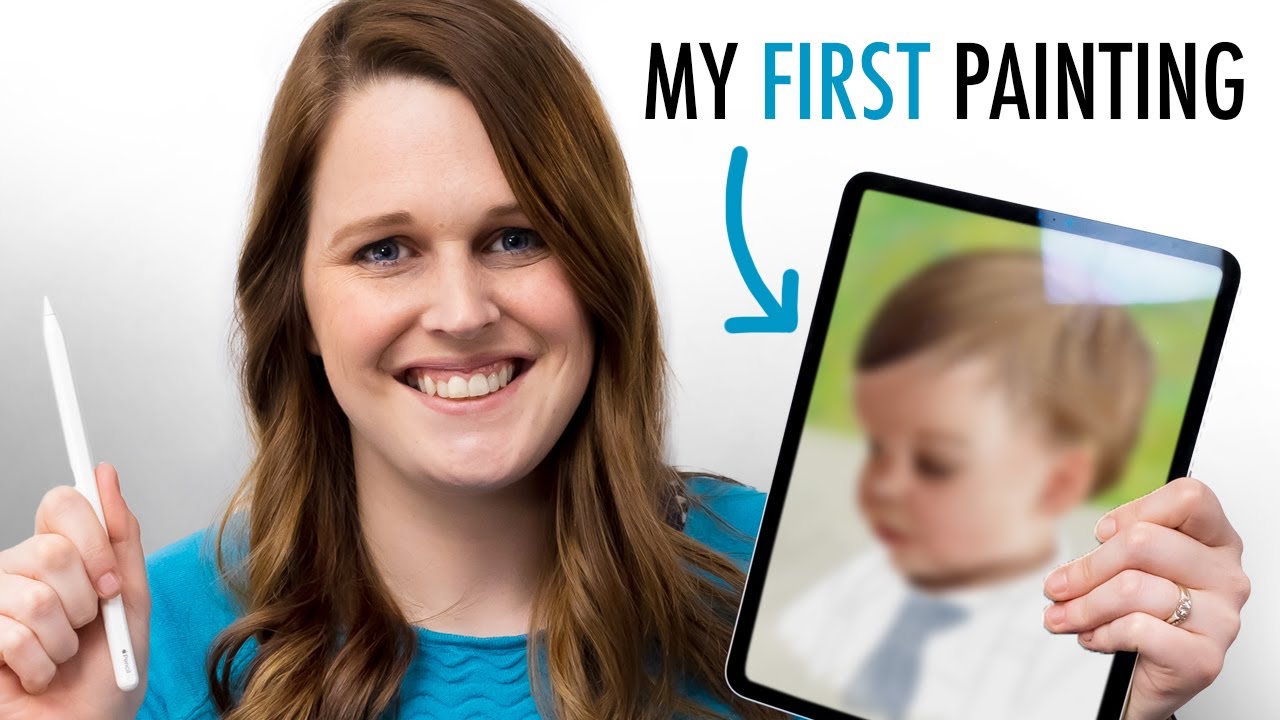
Want to see how I went in Procreate?
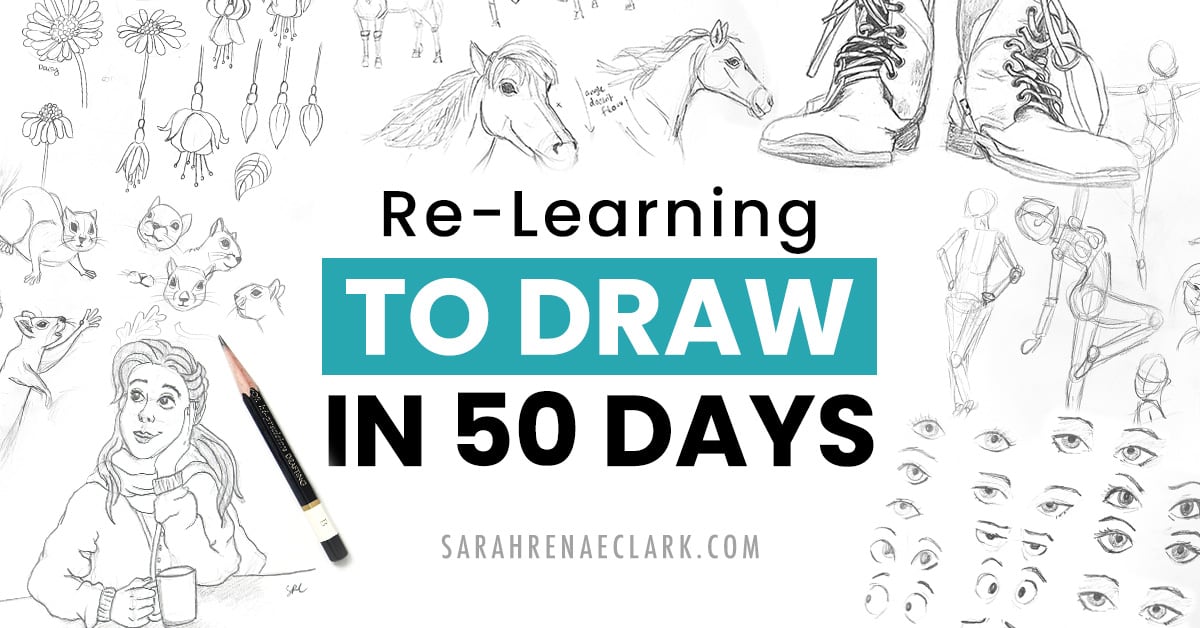
In Can a Pencil Artist Learn DIGITAL PAINTING in a DAY?, I try drawing my son Oliver. It was a fun learning experience!
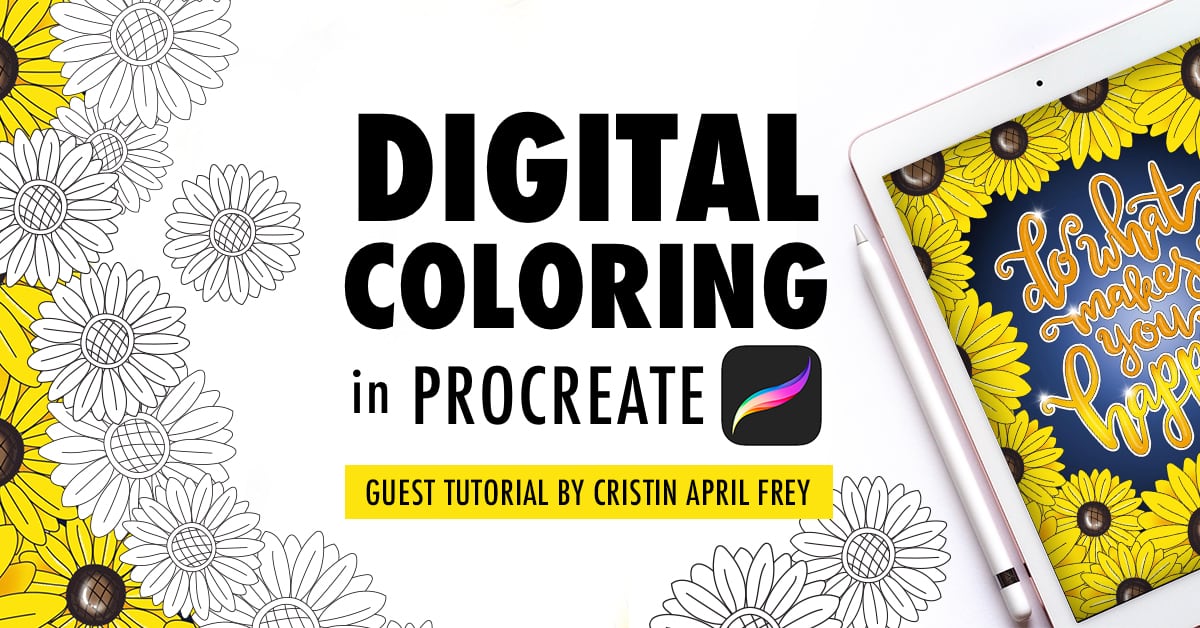
If you’re not sure how to import them into Procreate, this tutorial from Cristin April Frey will walk you through it.
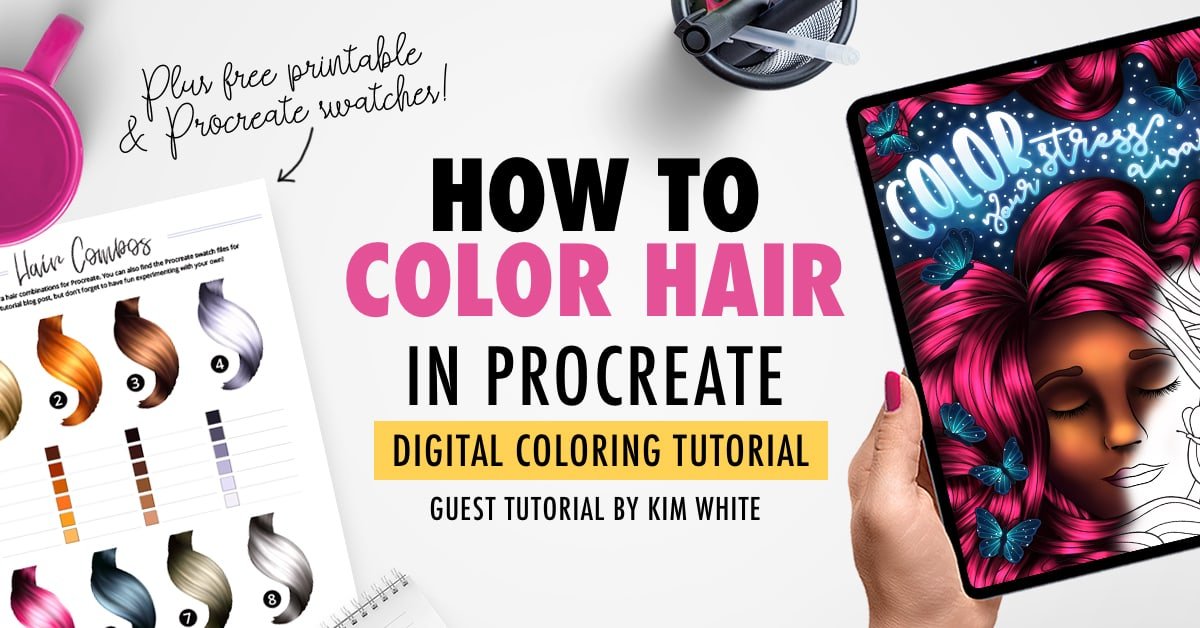
And if you’re ready to try something a little trickier, Kim White’s hair colouring tutorial is a great next step.
There are not just free colouring pages in this blog but also free printable colour charts, a free printable calendar, free cards, colouring gift bags, gift tags, and more.
I want to be able to draw gorgeous women, scenery, animals, for the purpose of adding pictures of characters, surroundings, animals and such for my novels